Work with an
Award Winning Company
Printmat Ordering With Security
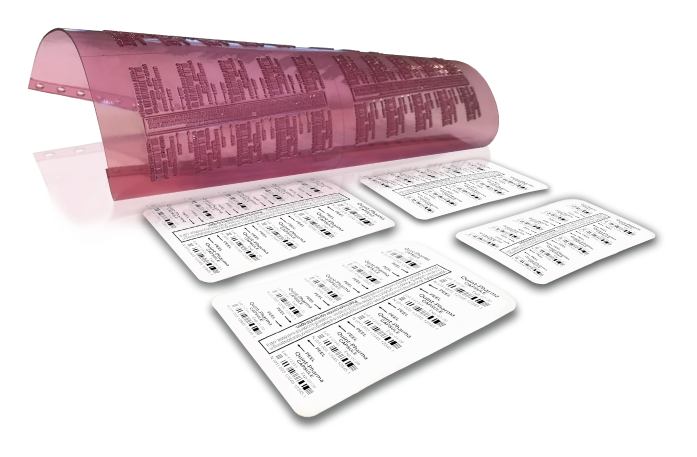
Ordering printmats for blister-packaged drugs is one of the most critical labeling tasks in a pharmaceutical production environment. A mistake here can most definitely cause a costly product recall. And because the printmat comes in with the lowest cost of the entire project, there are not very many systems designed specifically to control data entry.
Until now.
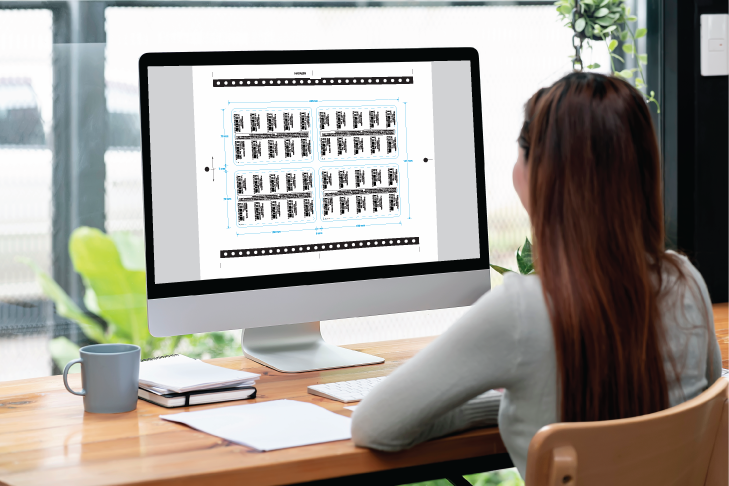
To begin using our Online Printmat Ordering system, you will need to contact Quint Company directly by using the “Email Us” button or the phone number below.
Our entire team is friendly and knowledgeable, ready to guide you through the complete setup process. From configuring your secure web ordering portal to delivering a complimentary test plate, we’ll support you at every stage.
All we will need.
We want your next blister project to be a success. With the following three items we can setup a master file and post it on your own private and secure web portal from Quint Company. From there you will be able to order as many lot and expiration printmats as needed. Plus, we’ll cover the cost of your first mat.
Art File
Tool Drawing
Printer Make & Model

Watch a quick video on what we will need to make a master.
Contact Us Today
Or you can call us at
609-556-2244
Download Adobe Acrobat Reader
You will need to have the latest version of Acrobat.
Click here to download Acrobat.
Acrobat doesn’t automatically use your email address for form submissions. You’ll need to adjust this setting manually. Click the “Step 1” button to watch a quick tutorial.
Download Brave Browser
Brave was developed by a team of programmers led by Brendan Eich, the creator of JavaScript. Click the “Step 2” button to watch a brief video demonstrating how to adjust a setting in Brave for PDF document submission.
You’ll need to copy and paste
brave://settings/content/pdfDocuments
as shown in the video to make this setting change.